


Step 1
Download the AngelAi App
- If you're on iOS or Android, head to your app store and download the AngelAiTM app.
- If you prefer a web experience, visit AngelAi's web app at AngelAi.Ai.


Step 2
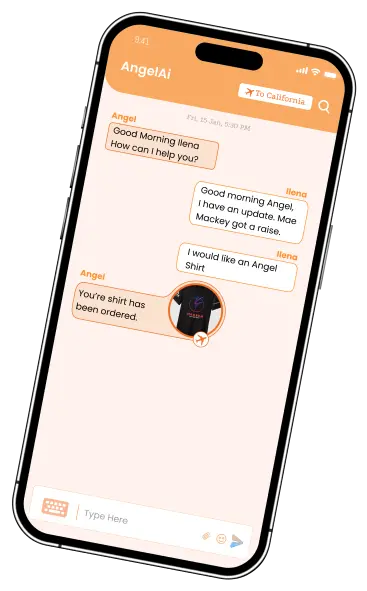
Launch the App and Ask Angel
- Open the AngelAi app on your device.
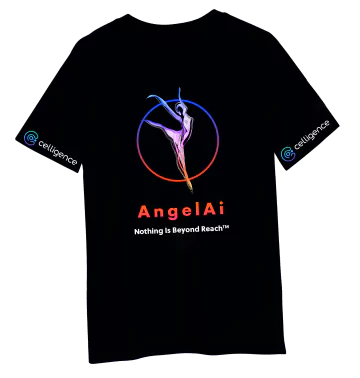
- Say or type "Order a Ai-shirt" to initiate the process.

Step 4
Confirm Your Order
- Once you've provided all the necessary details,
AngelAi will summarize your order. - Confirm by saying "OK" or tapping the confirmation button.

Step 3
Provide Your Details
- AngelAi will ask you for some essential information to customize your Ai-shirt:
Size: Let us know your preferred Ai-shirt size (e.g., Small, Medium, Large).
Color: Choose the color you love.
Address: Provide your shipping address, so we can send your Ai-shirt directly to your doorstep.

Step 1